Office Wi-Fi does the checking.
Presence checks the Office Network at each Punch. Away from it? Your manager gets the context for Review.
Presence, by people who care
Presence checks each Punch against your office Wi-Fi, applies your own Rules, and sends anything unusual to a person, not a penalty.
Location is read at the moment of a Punch. Never in between.

An employee opens Today, checks in, confirms the location check, sees the timer start, and starts a break.
Companies we work with






Less friction, every morning
Open Presence on your phone, connect to office Wi-Fi and Check In. See the location check before confirming.
Start and end breaks when you need them. Your worked hours and Punch timeline are always yours to see.
Check Out. Presence applies your organisation’s Rules. Anything unusual goes to a person for Review.
Try a Punch
Good morning, Sneha
Mon, 5 Oct 2026
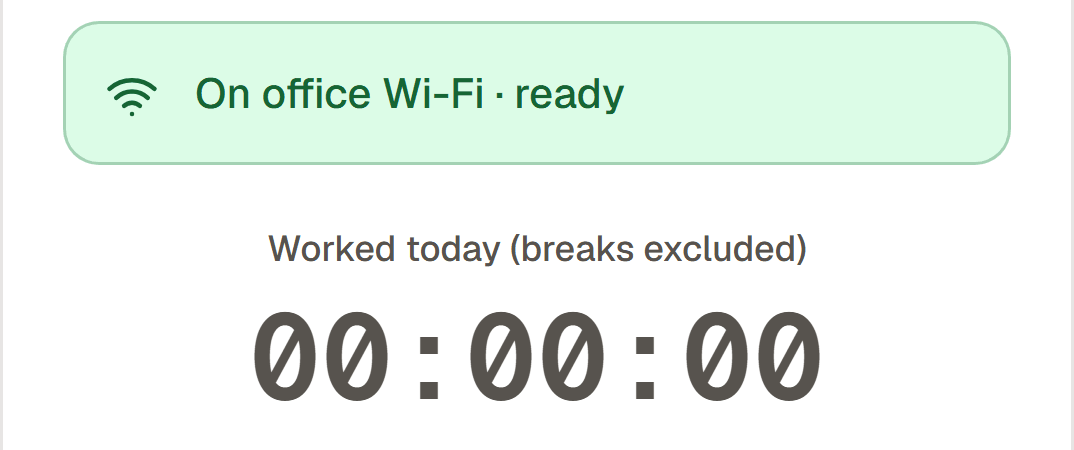
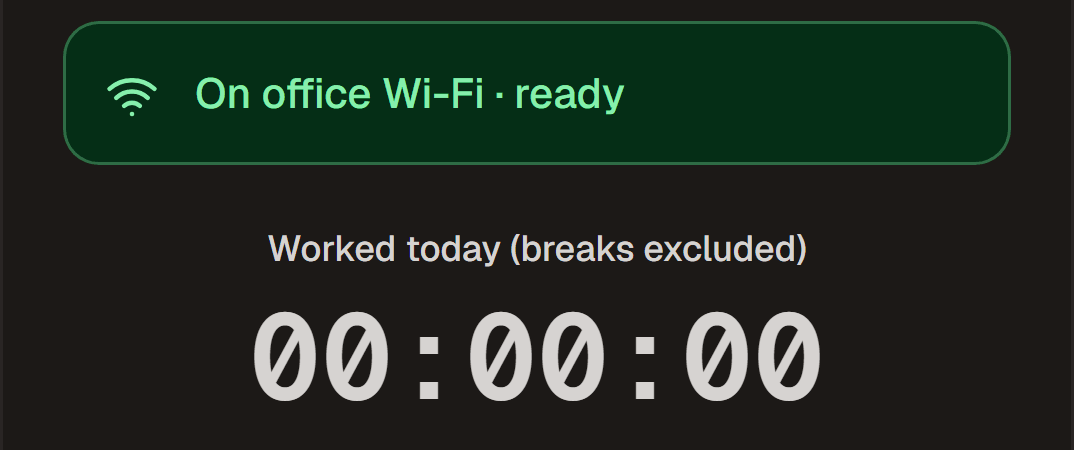
Worked today (breaks excluded)
Try Check In. No account or location access needed.
Thoughtful by default
Presence checks the Office Network at each Punch. Away from it? Your manager gets the context for Review.
Location is captured only when you Punch. No background tracking, device fingerprints or photos.
Ask for Leave, WFH, a Half Day or an attendance fix. Follow every Request from submission to decision.
Versioned Rules take effect from tomorrow. Recalculating an old day uses the Rules that applied then.
Local holidays, Optional Holidays and office-wide WFH Days. Works in any time zone: each office has its own.
An append-only audit log records who changed what and why. Monthly CSV and Excel exports keep payroll practical.
Fair by design
A different network isn’t the whole story. A late start isn’t an automatic penalty.
Our approach to privacyGPS and network address are captured at each Punch. Presence never follows you between them.
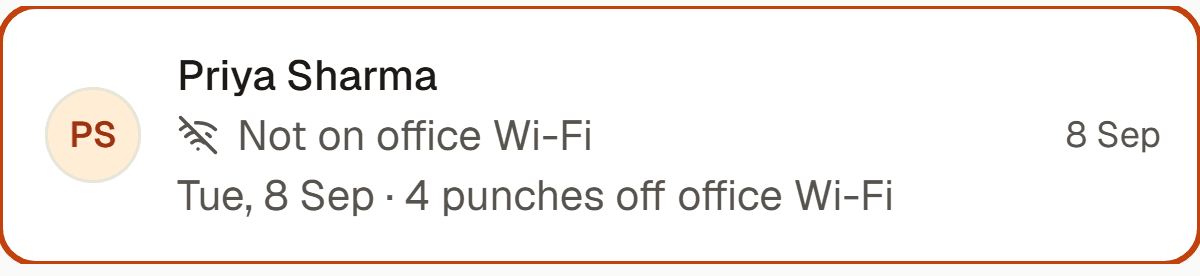
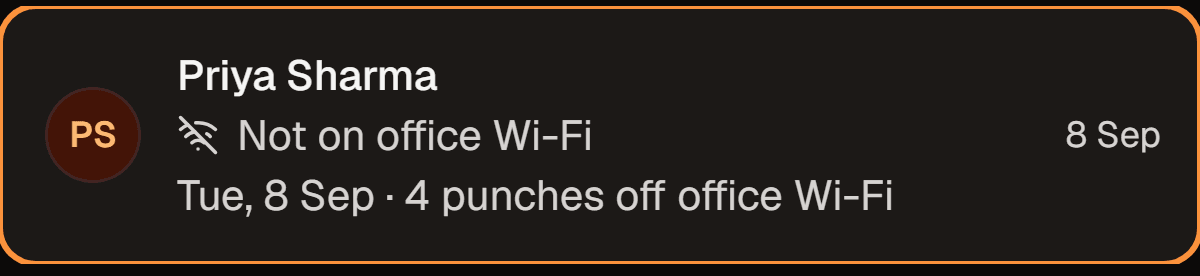
Off-network Punches are marked Needs Review. GPS is supporting evidence, never an automatic verdict.
Employees see what is collected, the Rules that apply, and the history of changes to their attendance.
taps to Punch: Check In, then Confirm.
background location reads. Location is captured only at a Punch.
months by default before location and network address are erased. Admins set the period.
The real product, in motion
Recorded in the app with a seeded development roster.
Everyone sees the same story
A few good questions
No. Location and network address are captured only at the moment of a Punch. There is no background or continuous location tracking.
Your Punch is recorded as Needs Review. Your manager or an Admin sees the supporting evidence and makes the decision. VPNs and iCloud Private Relay can also make office traffic appear off-network.
We’re opening conversations through the waitlist, with a walkthrough if you’d like one. There is no self-serve sign-up. Presence currently serves one configured organisation per deployment.
Yes. A Fix attendance Request goes to a manager or Admin for Review. If approved, the day is recalculated using that date’s Rules and the change is recorded.
A better start to the workday
Join the waitlist and tell us about your team. We’ll reply to talk it through.